

Static template.
Static template
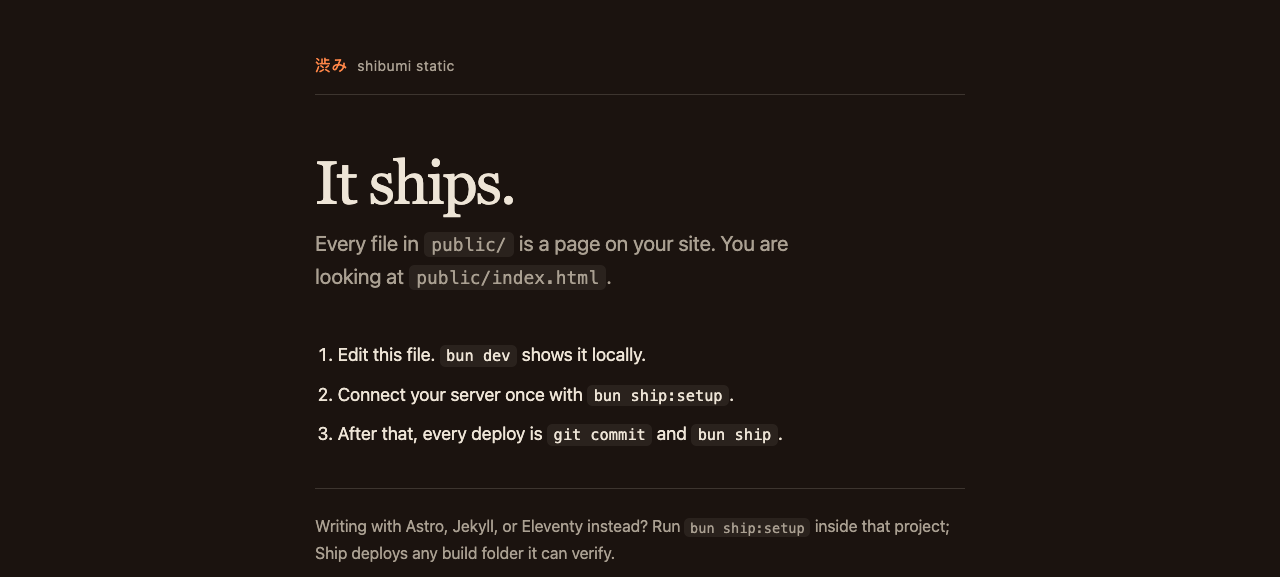
Files in public/ are served directly. Production uses BusyBox httpd on scratch: the server binary and your files, without a JavaScript runtime.
bun create shibumi@latest my-site --template static
What lands in your repo#
public/with anindex.html, a stylesheet, and a404.htmlto replace- A local preview server behind
bun dev scripts/ship.tsand deployment commands; setup generatesDockerfile,compose.yamland.dockerignore
There is no build step, TypeScript check or app test suite in this plain-file starter. The CLI and live deployment suite test its generated files and serving behavior.
Preview and deploy#
cd my-site
bun dev
Preview serves public/ on port 9001. Edit public/index.html and public/style.css; nested pages can use paths such as public/guide/index.html. Unknown paths return the custom 404.html, not the homepage.
Commit your files, then run bun ship:setup. It is pre-configured for public/ with SPA fallback disabled. Interactive setup offers to commit generated container files and continue. Agent or non-interactive runs pause for review: commit and push those files, then rerun setup. A successful file-generation step is not yet a deployment.
Run bun ship to publish committed changes. Check the homepage, styles, a nested page and an unknown URL over HTTPS. bun ship --rollback restores the retained previous image.
Using a framework instead#
Writing with Astro, Jekyll, Eleventy, or anything else that builds to a directory? You don't need this template: run bun create shibumi . inside that project and Ship deploys its build output directly.