

Blog template.
Blog template
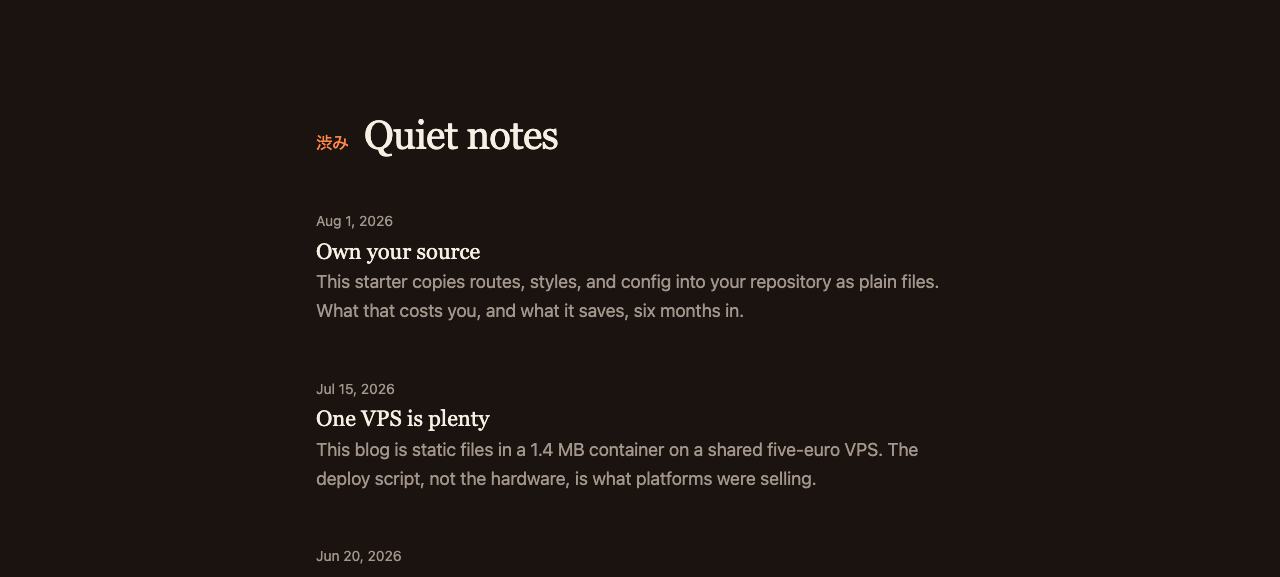
A post is a markdown file in src/content/blog/. Everything around it, the feed, the sitemap, the meta tags, is generated by the same Bun + Hono renderer that runs this site, so publishing is adding a file and running bun ship.
bun create shibumi@latest my-blog --template blog
What lands in your repo#
- A Bun + Hono app (
src/app.ts) rendered live bybun devand pre-rendered todist/bybun run build; Markdown uses Bun's built-in renderer - Markdown posts with YAML frontmatter; drafts stay out of the build
- RSS feed and sitemap, SEO meta and OpenGraph tags, clean URLs
llms.txtand markdown alternates for every post, so agents read your writing as textscripts/ship.tsand package commands for deployment; setup generatesDockerfile,compose.yamland.dockerignore
Writing#
bun dev runs the renderer live on port 9001. A post is a file in src/content/blog/ with a title (max 60 characters), description (50 to 160 characters), and date. Set draft: true to exclude a post from public pages, feeds and Markdown alternates.
Before publishing, set url in src/site.ts to your real HTTPS origin. Canonical URLs, OpenGraph URLs, RSS links, the sitemap and llms.txt all derive from it. The default https://example.com is a placeholder, not a deployment setting.
cd my-blog
bun run check
bun run build
bun preview
Preview serves the built dist/ on port 9001; stop bun dev before starting it. Check a post, its .md alternate, /rss.xml, /sitemap.xml and a missing page before deployment.
Ship it#
Commit your source, then run bun ship:setup. It is already configured to publish dist/ as a normal static site, not an SPA. Setup generates the container files; interactive runs offer to commit them and continue. In an agent or non-interactive run, review, commit and push those generated files, then rerun bun ship:setup.
After setup, bun ship builds and deploys the exact committed source. Production serves static files, not the development Hono process.