Brand
Use the supplied files.
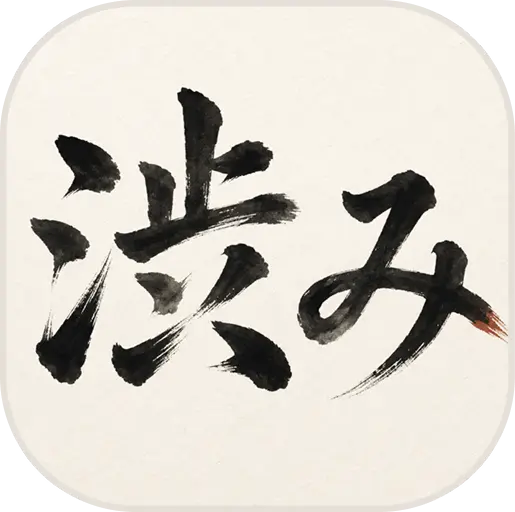
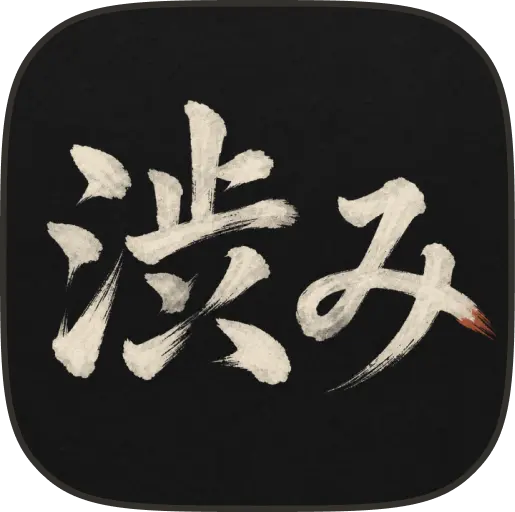
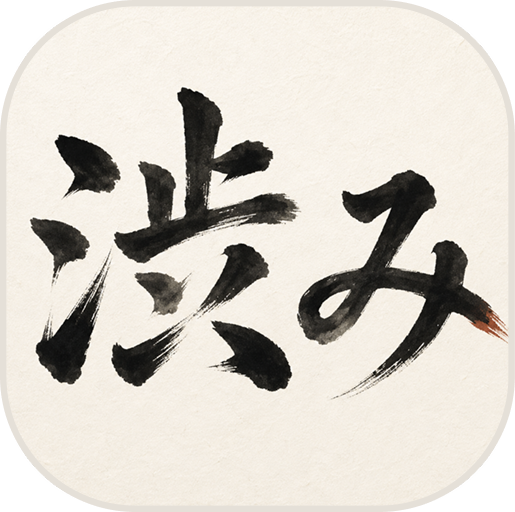
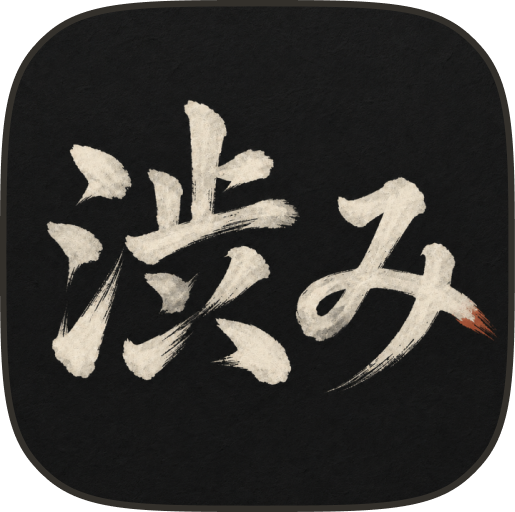
Download the Shibumi Stack marks and color tokens here. Do not redraw or recolor them.
Logos
Choose the light or dark file that gives enough contrast on a solid background.


Colors
Light and dark palettes use separate text, background, muted, and accent values.
Light
Kozo#f7f3e8
Walnut#252116
Earth#7a6f5d
Oranje#ff6600
Dark
Walnut#1e1510
Parchment#e4ddd0
Ash#b0a898
Oranje#ff8833
Usage
Leave clear space equal to at least the logo's height.
Do
Use the originals
- Use the SVG logos provided here
- Keep clear space around the mark
- Write "Shibumi Stack" with both words capitalized
- Use solid light or dark backgrounds
Avoid
Do not alter the mark
- Do not alter, rotate, or distort the logo
- Do not place it on busy backgrounds
- Do not write "ShibumiStack" or "SHIBUMI STACK"
- Do not imply endorsement